Leadership & Vision
Project direction, product roadmap and relationship with the community PIANO serves.
- Visão de produto
- Roadmap
- Comunidade
Organize hymnals, liturgy, Bible and projection in one place. Access from any device, no installation required.
 LouvorJA
 1.15.2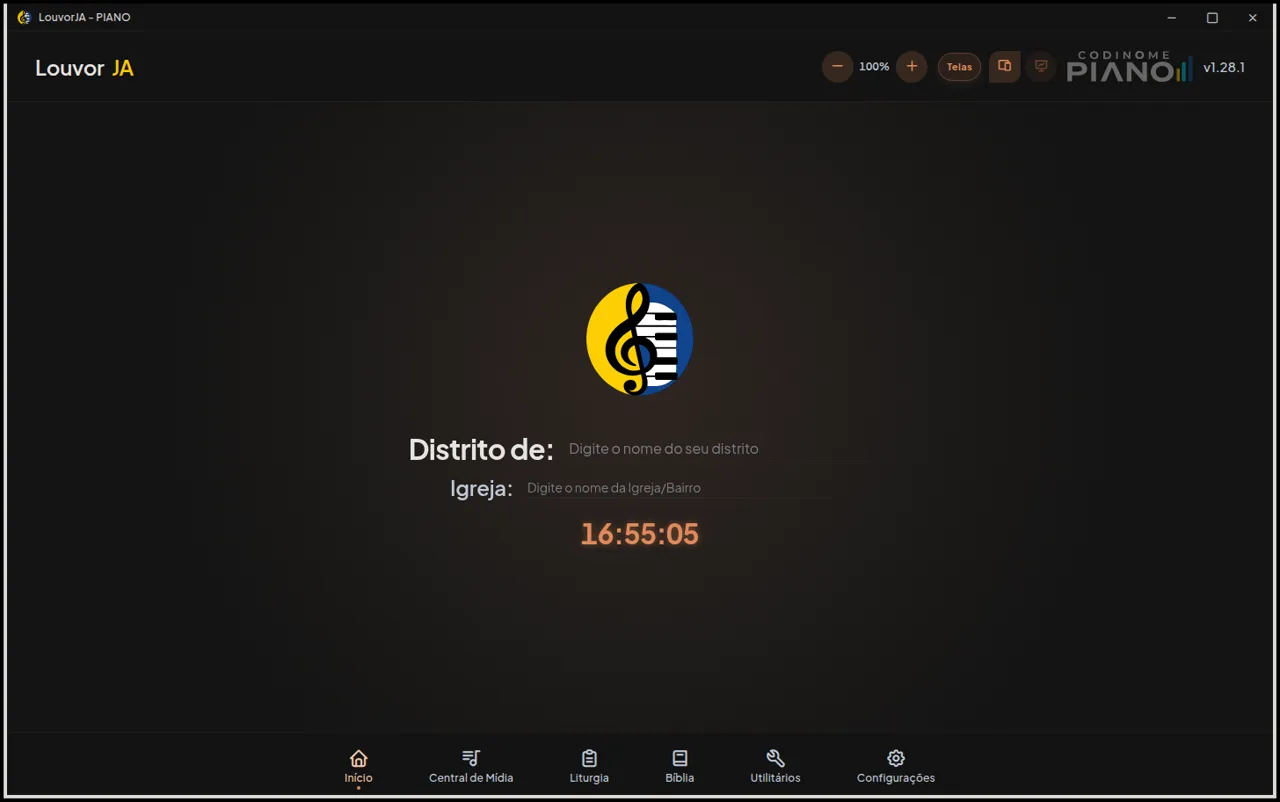
Use the desktop app for maximum productivity, the browser as a quick alternative, or your phone with the Android app.
Linux, macOS and Windows
Full experience with multi-screen support, independent projection and keyboard shortcuts.
Any PC or laptop
Access directly through the browser. Ideal for quick use or as a fallback when no app is installed.
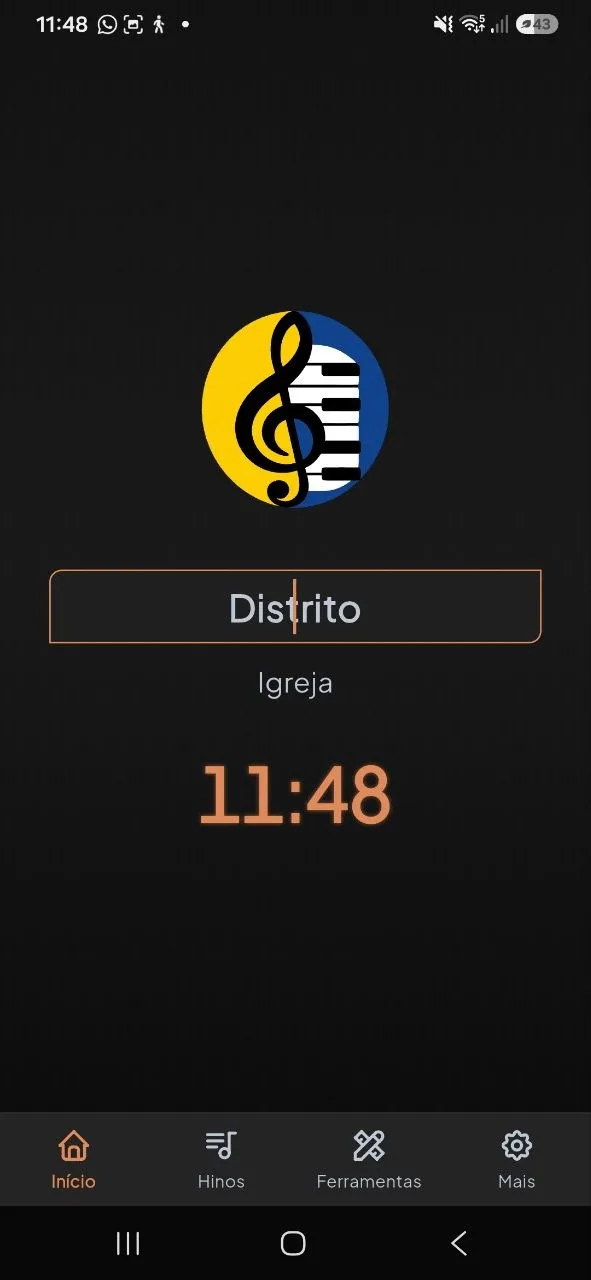
Android available
Native Android app available now. Control the digital stage right from your phone.
Control the service from your phone while the Smart TV displays hymns and liturgy as a digital stage — ideal for small groups without a projector or PC.

webOS (LG)
Available
Android TV / Google TV
Available
Tizen (Samsung)
Available
Apple TV
Planned
Roku TV
Planned
Chromecast
PlannedA complete suite of integrated tools to manage every aspect of the service.
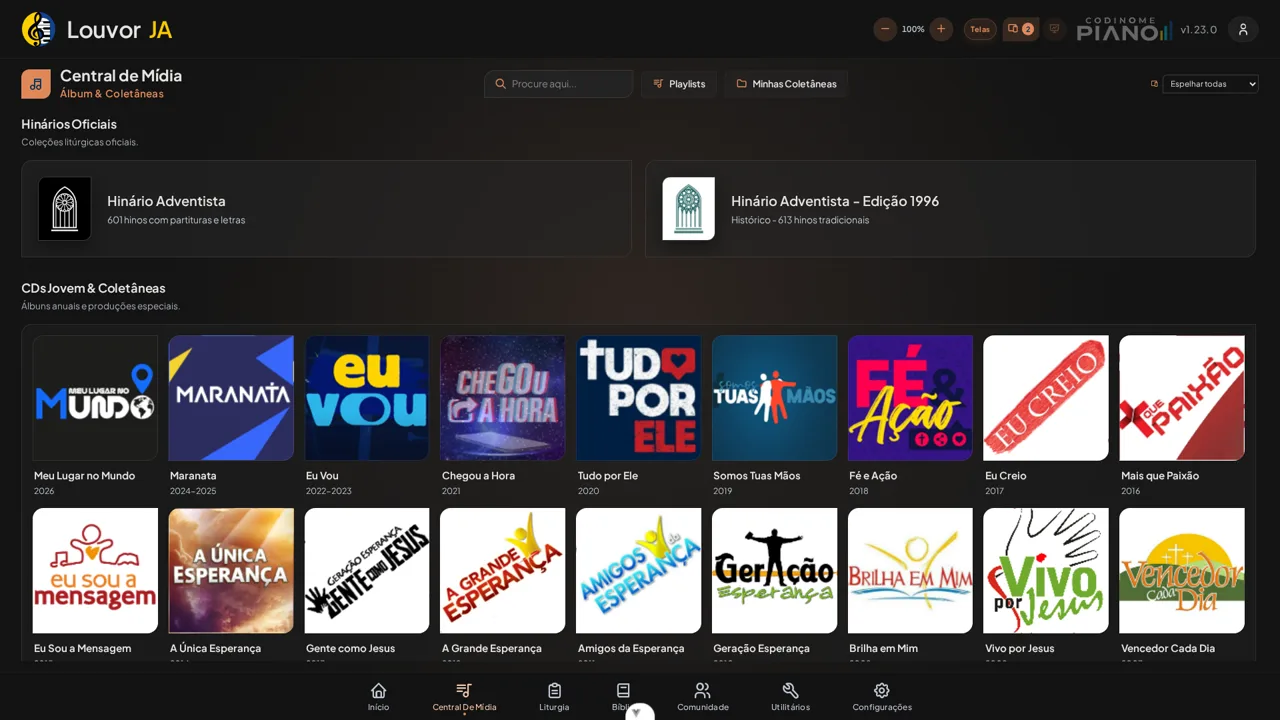
Manage albums, hymnals and collections with three playback modes.
Build the service order with 13 item types, drag and drop, clone and countdown.
Multi-version with quick search, favorites and direct projection.
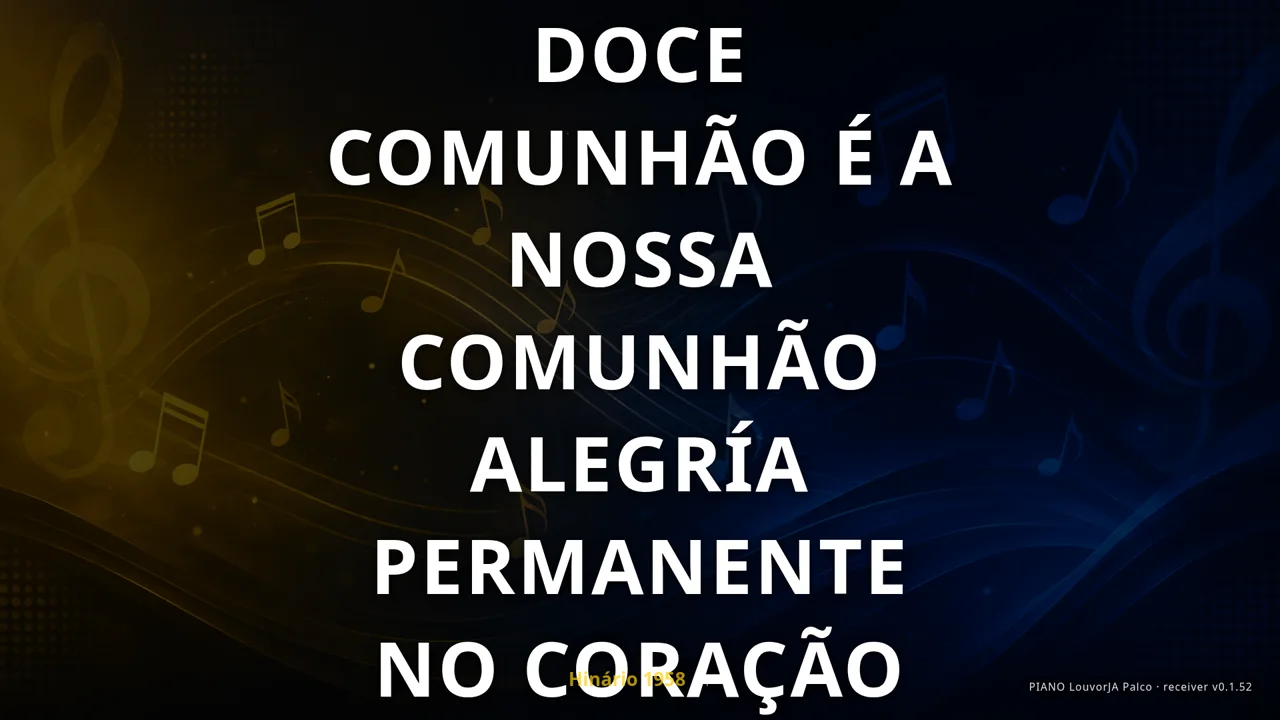
Independent output for projector or secondary TV with full control.
Clock, stopwatch, timer and raffle integrated into the service.
Normal playback, sing-along mode and synchronized slide display.
Appearance, projection, multi-screen and fully customizable preferences.
The desktop app works 100% offline after downloading media. The web version requires internet connection to function.
PIANO LouvorJA is a collaborative open-source project created to make worship service management easier.
Developed by the Piano team, the platform evolves continuously with community contributions. Free, no ads, no data collection.
PIANO LouvorJA is a fork of the LouvorJA project (github.com/louvorja), maintained by the community since 2019. We thank the original creators and contributors who made this project possible. github.com/louvorja
Four simple steps to organize your service.
Access through your browser or download for desktop. No registration required.
Add albums, hymnals and collections to the Media Center.
Drag items to create the service order with time tracking.
Use multi-screen projection to display hymns, verses and slides.
PIANO LouvorJA is built by a dedicated team organized into specialized work fronts, united by one purpose: serving the community with excellence.
Project direction, product roadmap and relationship with the community PIANO serves.
Multi-screen Electron app for worship projection: media output, stage display and remote control.
Web application for service management, with quick browser access (requires an internet connection).
Public API and backend services powering hymnals, playlists and cross-device sync.
Digital presence, documentation and communication: multilingual site, releases and resources.
Pipeline automation, testing and code review to ensure stability on every release.
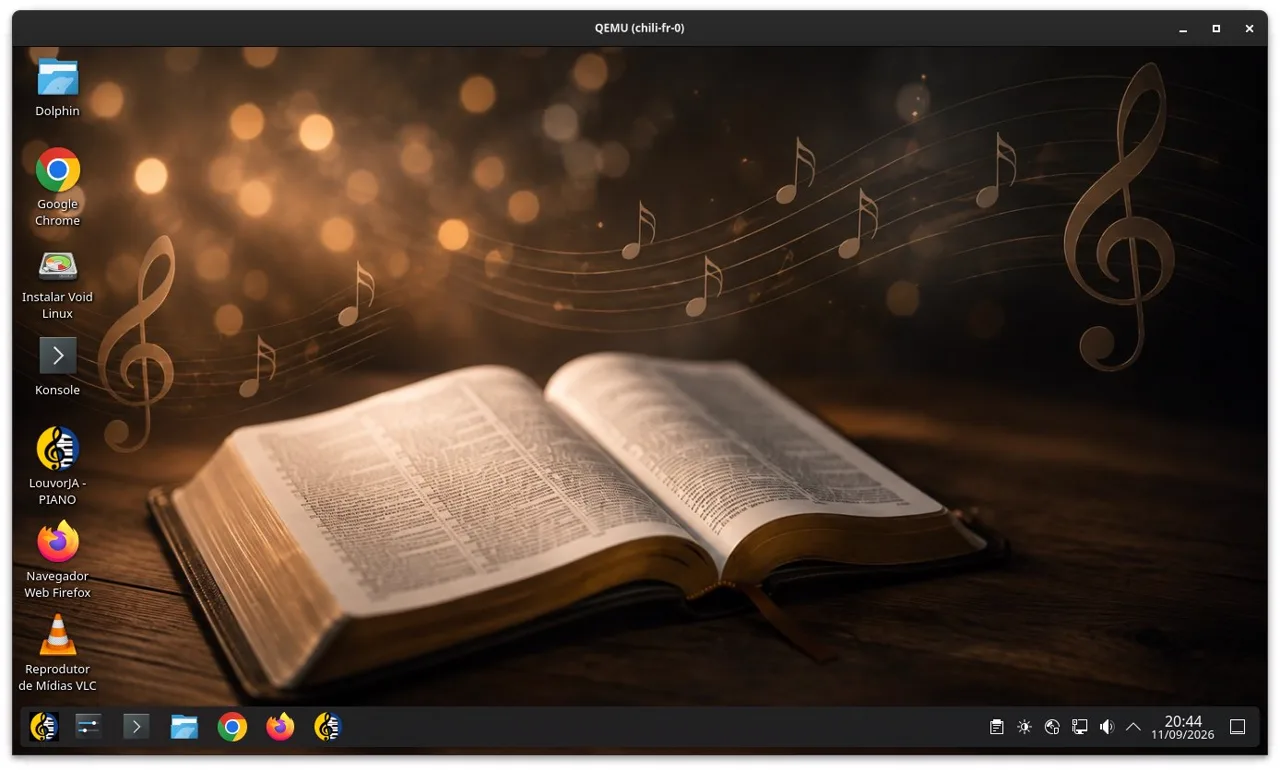
Maintains the VoidBR LouvorJA Piano live ISO: a complete bootable system with PIANO and the hymnal pre-installed — legal, simple, offline installation for churches.
 Ezequias FonsecaFounder · Leadership & Desktop App
 Rafael Dias ZendronTech Lead · Site, API & QA
 Rafael Barbosa SilvaDesktop App & Mac
 Eduardo CharqueroLinux, Web App & PWA
 Vilmar CatafestaVoidBR Distro · LouvorJA Piano ISO
 ElomarDigital design, UI and UX
Open source, peer review and continuous delivery: each front maintains its repository in the organization, with automated integration and deployment.
PIANO is open-source and grows with the community. You can contribute code, report bugs, suggest features, help with translations, or share the project.
Testers, enthusiasts and suggesters who help PIANO LouvorJA grow. Want to join?
PIANO LouvorJA is free. Your donation helps keep the project alive and ad-free.
Donate nowOpen PIANO LouvorJA now and organize your service in minutes. Free, no registration.
Open App